
Design problems feel specific but the real problem is systemic. Your hero section feels generic, gradient text, glassmorphism, neon accents, because you're vibing design instead of applying principles.
The /design skill in Command Code fixes that. It turns your coding agent into a design partner. Runs in your terminal, reads your codebase, and edits files. No Figma round-trips. No markdown mockups. Eighteen focused modes for color, typography, layout, motion, states, accessibility, and responsive behavior.
1npm i -g command-code
2cmd
3/design help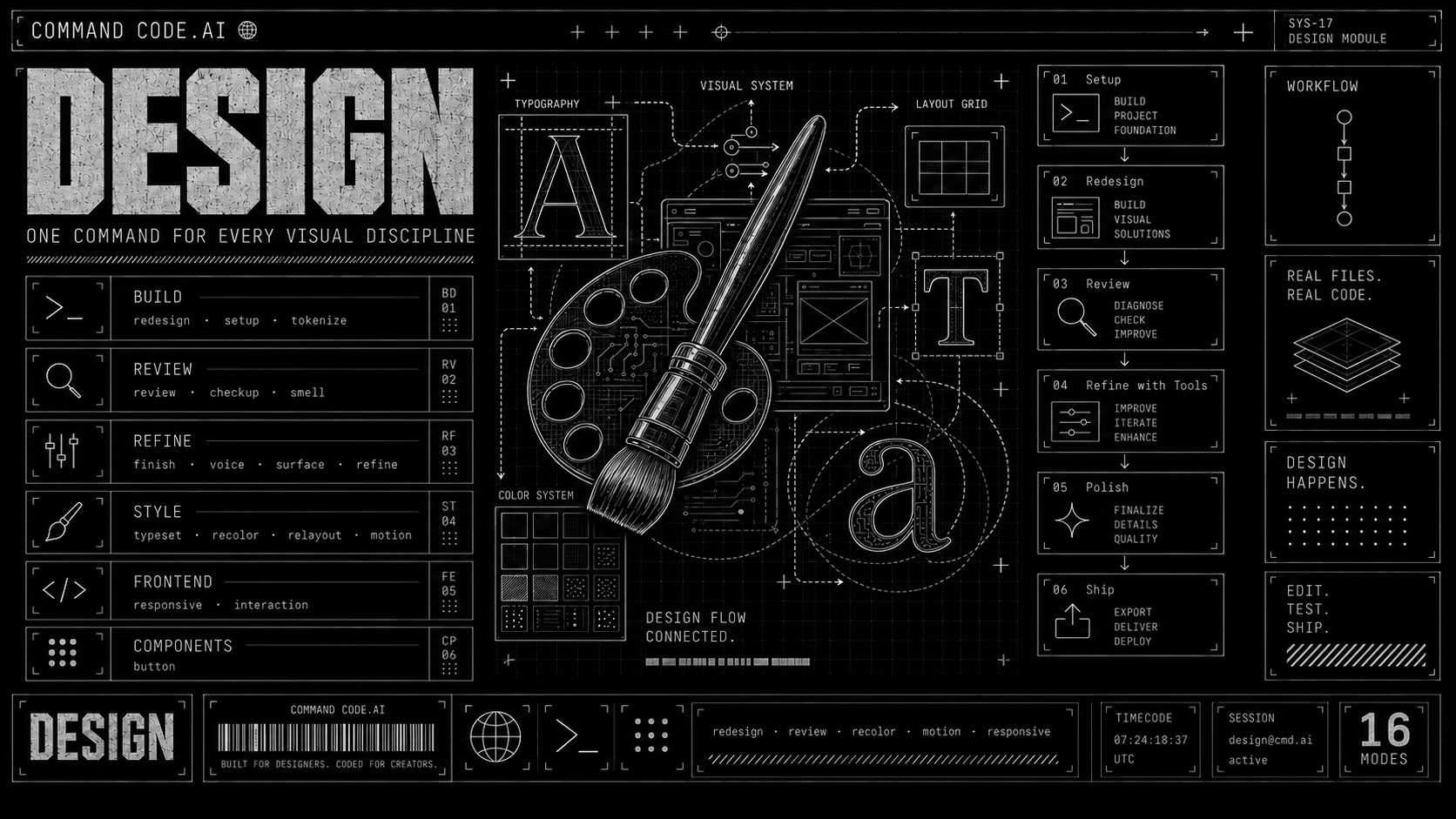
What /design does
One command. Eighteen modes. Each one knows what to look for, what to change, and what to leave alone.
1cmd /design checkup              # Five-minute design health scan
2cmd /design smell                # Find AI-generated visual clichés
3cmd /design recolor              # Rebuild the color system in OKLCH
4cmd /design typeset src/Hero.tsx # Fix typography hierarchy
5cmd /design finish               # Final pre-ship pass
You can name a target file. You can run it on the whole project. You can chain modes in a workflow.
Why a design skill, not another component library
Component libraries give you parts. They don't tell you which one to use, where, or why. The result: every AI-built site looks like the same template with a different accent color.
/design is built around a different idea. It works on the codebase you already have. It applies principles, not presets. It catches the specific patterns that mark a UI as AI-generated and rewrites them.
A short list of what it refuses to ship:
- Side-stripe borders as accent
- Gradient text on CTAs
- Glassmorphism by default
- Bounce or elastic easing
- Identical card grids endlessly repeated
- Tiny rounded-square icon boxes above every heading
- Indigo everything by reflex
- Neon on black (unless you are crypto or gaming)
/design smell is the mode that hunts these down. Run it on any site and it will tell you exactly what gives it away.
The eighteen modes, grouped
Audit : checkup, smell, review. Rapid health scan. AI-cliché detection. Honest critique.
Fix : deslop. Replace every generic AI tell with a decision that belongs to your product.
Systems : typeset, recolor, motion, interaction, a11y. Build a type system. Rebuild the color system. Add motion. Add missing behavior and states. Repair the access system: focus, keyboard path, semantics, hit areas.
Compose : relayout, responsive. Change structural composition. Recompose across screens, devices, input modes, contexts.
Build : redesign, tokenize, setup. Transform interfaces. Pull repeated patterns into reusable tokens. Initialize a new project with a brief.
Ship : finish, refine, voice, surface. Final pre-ship pass. Change the character of a design. Sharpen brand identity. Harden the real product surface.
Each mode has a single job and a clear output. None of them open Figma.
A realistic workflow
Most projects flow through modes in this order:
1cmd /design setup                       # 1. Create brief
2cmd /design checkup                     # 2. Audit
3cmd /design smell                       # 3. Find AI tells
4cmd /design recolor                     # 4. Color
5cmd /design typeset src/Hero.tsx        # 5. Typography
6cmd /design relayout                    # 6. Layout
7cmd /design tokenize                    # 7. Consolidate tokens
8cmd /design surface                     # 8. Harden
9cmd /design responsive                  # 9. Breakpoints
10cmd /design finish                      # 10. Ship
No context switching. No design system hunting. No "I think the spacing should be..." guessing.
Try it
1npm i -g command-code
2cmd
3/design help
Point it at any component. Start with cmd /design checkup to see what is broken, then cmd /design smell to catch the AI tells. Five minutes in, you will know whether this fits your workflow.