The hardest part of starting a new UI project isn't the code. It's the moment before the code, when you're staring at an empty file trying to remember whether Airbnb buttons use 8px or 12px radius, or whether a coral accent will read as warm or cheap on a white canvas.
I kept hitting this wall. So I built a set of taste files, one for each design system I find myself reaching for, and I drop them into projects whenever I need a reliable starting point.
No more guessing. No more opening Figma files from 2019.
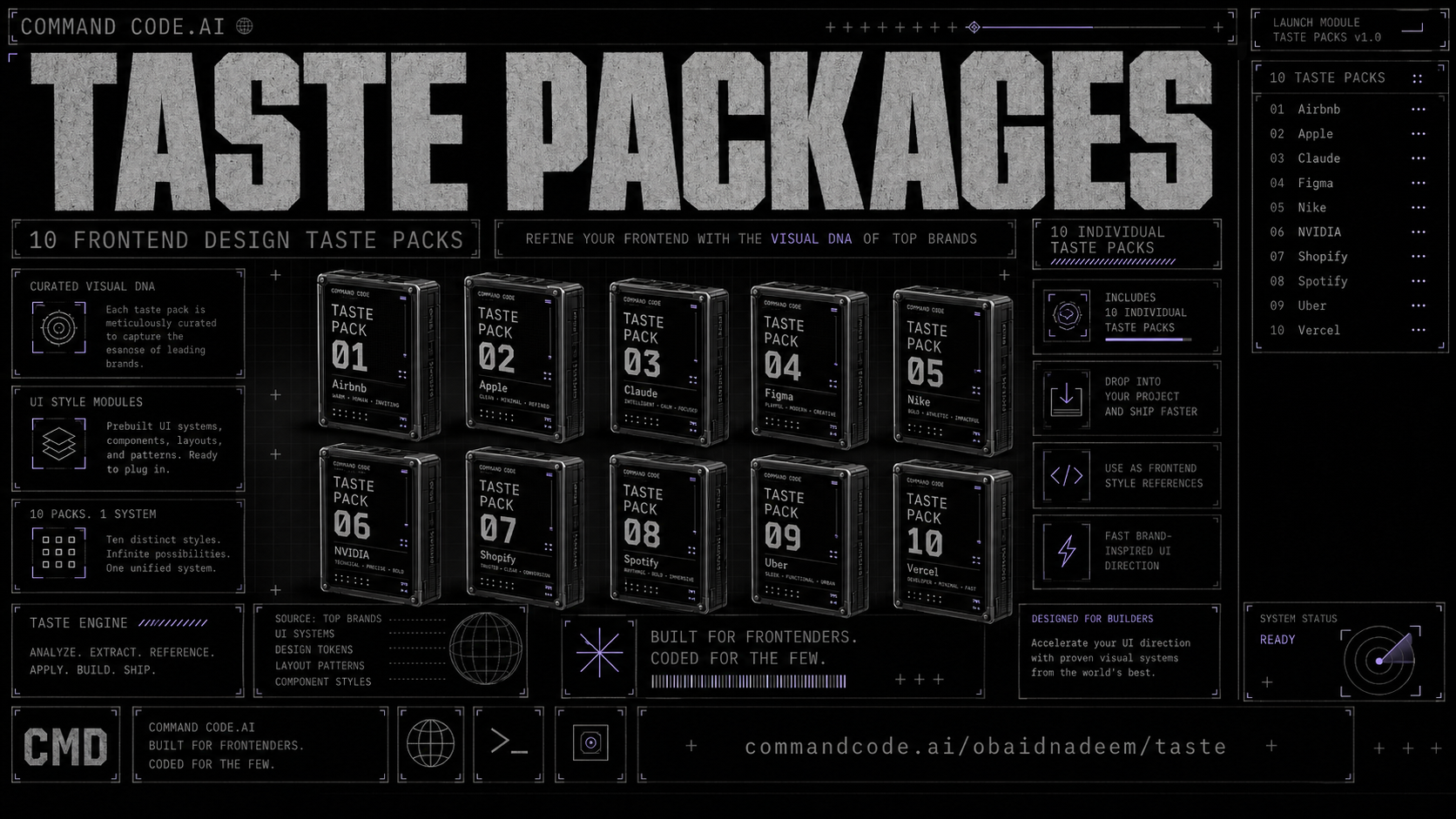
My top 10 design taste packages
- Airbnb: Marketplace density, white canvas, one coral accent.
- Apple: One blue, alternating sections, 17px body copy.
- Claude: Warm cream, serif headlines, coral accents.
- Figma: Pure black and white so product screenshots carry the color.
- Nike: Uppercase display type, full-bleed photography, no shadows.
- NVIDIA: Green on black, tight spacing, spec-sheet density.
- Shopify: Dark theatre, light-weight type, neon green as signal.
- Spotify: Near-black so album art glows, green only on active states.
- Uber: Black and white only, pill buttons, zero gradients.
- Vercel: Negative letter spacing, shadow as border, monospace labels.
Why taste files instead of just reading docs
Design system docs are great when you have time. I do not have time. I need to know that Airbnb uses 8px radius on buttons and 14px on cards without scrolling through a 200 page PDF. Taste files are my cheat codes.
They also keep me honest. When I am tempted to add a second accent color or a gradient background, the taste file is right there saying "nope, one blue, commit to it." It stops me from making lazy decisions.
How this works
Pulling a taste file into a project is one command:
1npx taste pull @obaidnadeem/design-appleFrom here, Command Code reads it the same way it reads any other context in the repo. You don't have to reference it explicitly. The next time you ask for a hero section or a pricing table, the output already follows the rules in the file. If you want to switch directions mid-project, pull a different one. For example,
1npx taste pull @obaidnadeem/design-shopifyThe agent picks up the new constraints on the next prompt. No restart, no re-explaining what you want. The taste file is the default explanation.
You can also stack them when you're working on something that draws from more than one source. A landing page might pull Apple for the type discipline and Vercel for the developer-credibility signals. The rules don't conflict as often as you'd think, and where they do, the later file wins.
When to reach for which
Starting a premium landing page? Shopify or Apple. Both teach you spacing and type discipline. Building a dashboard that needs density without clutter? Spotify and Uber pack information tightly while staying scannable.
Designing for developers and want technical credibility? Vercel and NVIDIA signal competence through restraint. Need warmth and approachability? Claude and Airbnb both lead with hospitality, in different registers. Building a product showcase where the product is the point? Figma and Apple both get out of the way.
Try it
Install Command Code:
bash npm i -g command-code
Run cmd in your project root, then pull one of these taste files:
bash npx taste pull @obaidnadeem/design-apple
That's it. The next prompt builds in Apple's style.
I'll keep adding systems as I run into ones worth referencing. If there's a design system you want to see, send it my way. And if you build something with one of these, go ahead and share it.